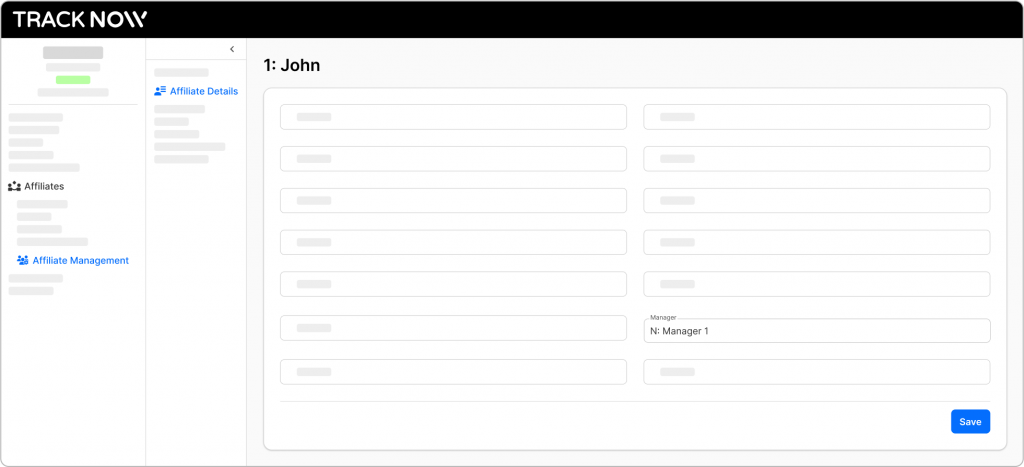
Each manager in your system has a unique registration link that they can share with affiliates. When an affiliate signs up through a manager’s link, they are automatically assigned under that manager.
If a manager becomes inactive or you need to reassign an affiliate for any reason, you can do so from the Affiliate Management page.
How to assign an affiliate to a specific manager?
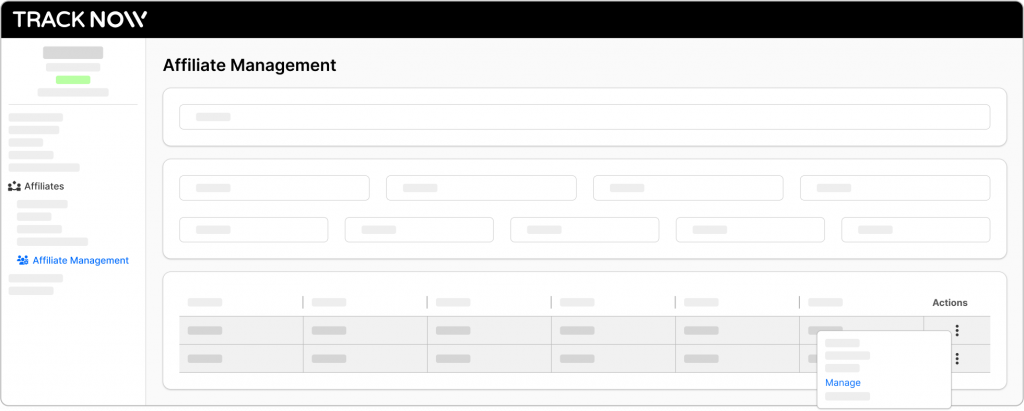
Go to Affiliates > Affiliate Management
Click the three-dot icon next to the affiliate you wish to assign to a manager and select Manage
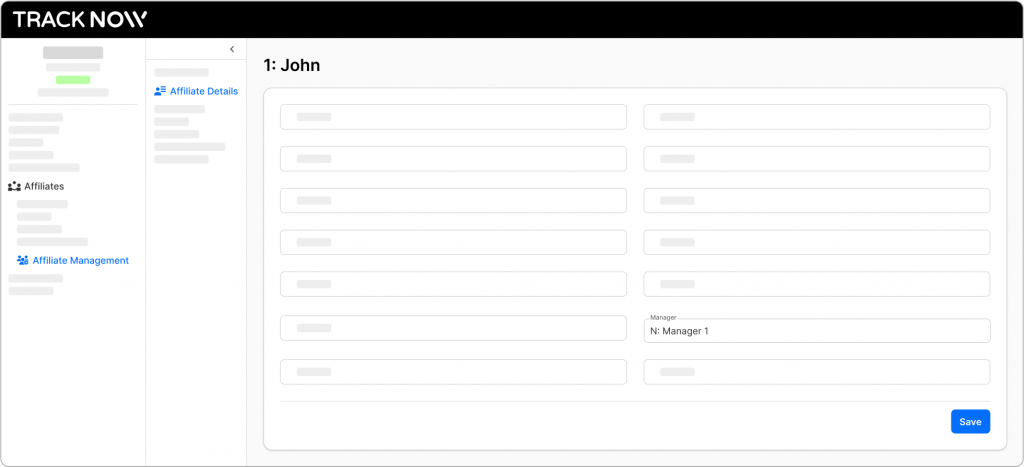
Navigate to the Affiliate Details tab where you will find the Manager field. Select the relevant manager and hit Save